E-Paper



The biggest printer buying mistakes first-time buyers still make in 2026
Many first-time printer buyers still focus only on low prices, ignoring ink costs, wireless features and long-term usability.

 Prefer HTon Google


Our Picks
FAQs
Our Picks
| Product | Rating | Price |
|---|---|---|
Canon PIXMA MegaTank G1730 Single Function (Print only) Inktank Color Printer with Small Size Ink Bottles for Home/OfficeView Details  | ₹8,299 | |
 | ||
HP Smart Tank 529 All-in-One Colour Printer |Up to 4000 Black & 6000 Colour Prints I Print,Scan & Copy for Home/OfficeView Details | ₹11,399 | |
| ||
HP Smart Tank 589 All-in-One WiFi Colour Printer |Up to 4000 Black & 6000 Colour Prints I Print,Scan & Copy for Home/OfficeView Details | ₹13,299 | |
| ||
Epson EcoTank L3252 Wi-Fi All-in-One Ink Tank Printer for Home & OfficeView Details | ||
| ||
Brother Ink Tank DCP-T535DW New Launch (Print Scan Copy) WiFi Auto Duplex Printer, 128MB Memory, Print Pages Upto 15K in Black & 5K in Color Each (CMY) Get an Extra Black Ink Bottle, Free InstallationView Details | ||
| ||

Research-Backed Choices
Every product we recommend is chosen through a combination of Primary Research and Secondary Research.
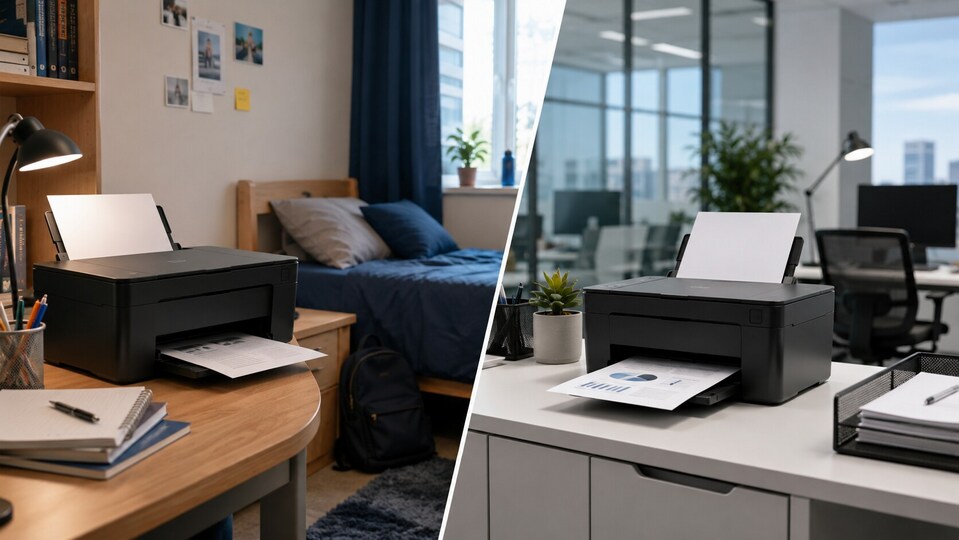

Buying a printer still sounds simple in 2026, but many first-time buyers end up regretting their purchase within months. A low upfront price often hides expensive cartridges, limited features and frustrating software experiences that only become obvious after regular use.
From students printing assignments to families setting up a home office, buyers frequently overlook long-term running costs and practical features. Instead of focusing only on discounts and print speed, understanding how a printer fits daily usage can save money and avoid unnecessary headaches later.
Most common printer buying mistakes
| Mistake | What usually happens later |
|---|---|
| Buying the cheapest printer available | Ink or toner costs become too expensive |
| Ignoring print yield numbers | Cartridges run out surprisingly fast |
| Choosing the wrong printer type | Laser or ink tank models may not suit usage |
| Overlooking wireless printing support | Mobile printing becomes frustrating |
| Ignoring duplex printing | Higher paper usage and inconvenience |
| Not checking service availability | Repairs and spare parts become difficult |
| Buying colour printers unnecessarily | Running costs increase for basic documents |
| Ignoring app and software quality | Setup and connectivity issues appear later |
Focusing only on the printer price
One of the most common mistakes first-time buyers still make is purchasing the cheapest printer they can find during a sale. At first, it feels like a great deal, especially when some printers are available at surprisingly low prices online. But the problem usually starts a few months later when the cartridges run out.
Many budget printers come with very expensive ink cartridges, and some of them do not even last long if you print regularly. In a lot of cases, buyers end up spending more money on ink replacements within a year than the actual cost of the printer itself. That cheap printer suddenly does not feel cheap anymore.
Not understanding the difference between ink tank and laser printers
A lot of buyers still purchase printers without properly understanding which type actually suits their daily usage. This usually happens because most people simply search for “best printer under ₹10,000” and buy whatever appears attractive during a sale.
Ink tank printers are generally better for students, families and users who print colourful pages regularly. They usually offer lower running costs over time and are more practical for home use. Laser printers, on the other hand, are more suitable for office users printing large volumes of black-and-white documents every day.
Check out these ink tank printers on Amazon
Ignoring print yield numbers
Print yield is one of those things many first-time buyers completely ignore while purchasing a printer. Most people focus on print speed, wireless support or discounts, but forget to check how many pages a cartridge can actually print.
This becomes a problem later when the cartridge runs out much earlier than expected. Some low-cost printers may look affordable initially, but their cartridges offer very low page yields, forcing users to replace them frequently.
In many situations, a printer with slightly expensive cartridges may still turn out to be the better value option because the cartridges last much longer. Checking the print yield beforehand can save buyers from spending unnecessary money later.
Check out laser printers on Amazon
Overlooking wireless and mobile printing features
In 2026, most buyers expect printers to work smoothly with smartphones, tablets and laptops. But surprisingly, many users still end up buying printers with unreliable wireless connectivity or poor mobile app support.
This issue becomes frustrating very quickly, especially for students and work-from-home users who mostly print directly from their phones. Unstable Wi-Fi connections, slow setup processes and buggy companion apps can make even simple printing tasks annoying.
Many buyers realise too late that a printer’s software experience matters almost as much as the hardware itself.
Buying a colour printer without actually needing one
Another mistake many home users make is purchasing a colour printer simply because it feels like the better option. But after a few months, they realise most of their printing only involves assignments, bills, forms or office documents in black and white.
Colour cartridges usually increase the running cost significantly, and they can also dry up faster if the printer is not used regularly. For occasional users, this becomes an unnecessary expense.
Unless there is a genuine need for colour printing, a monochrome laser printer may actually make more sense for basic everyday usage.
Not checking service centre availability
Printer servicing is still a major issue in many areas, especially for lesser-known brands. Buyers often purchase unfamiliar printers online because the specifications and pricing look attractive, but problems start when the printer needs servicing or cartridge replacement.
Some users later discover there are no nearby service centres, spare parts are difficult to find or original cartridges are rarely available locally. This can turn a simple issue into a long and frustrating experience.
Checking after-sales support, cartridge availability and service network before purchasing can save buyers from bigger problems later.
The research and expertise
I have been covering consumer technology and home gadgets for years, and printers are among those products that often look simple until you actually start using them regularly. From compact printers designed for students to multifunction models made for office use, I have researched and compared multiple categories across different price segments over time.
For this guide, I looked at factors like print quality, running cost, connectivity features, ease of maintenance and overall everyday usability. I also checked customer feedback on Amazon and user discussions online to understand the common problems buyers face after long-term usage. After comparing practical performance and value for money, these are some of the most common mistakes buyers should avoid before purchasing a printer in 2026.
Similar articles for you
Best portable printers for last-minute printing: Top picks for students and businesses
Best photo printers for every budget: From high-volume to portable, top 10 printing options for you
Best Bluetooth printers: Wireless printing is the new age time saver you need!
Disclaimer: At Hindustan Times, we help you stay up-to-date with the latest trends and products. Hindustan Times has an affiliate partnership, so we may get a part of the revenue when you make a purchase. We shall not be liable for any claim under applicable laws, including but not limited to the Consumer Protection Act, 2019, with respect to the products. The products listed in this article are in no particular order of priority.