
 E-Paper



Thinking of leaving iPhone? How to set up Google Pixel 10 smoothly and transfer date in minutes
Thinking of leaving your iPhone for the latest Google’s Pixel 10? Here’s how you can transfer everything without unnecessary complications.

 Prefer HTon Google


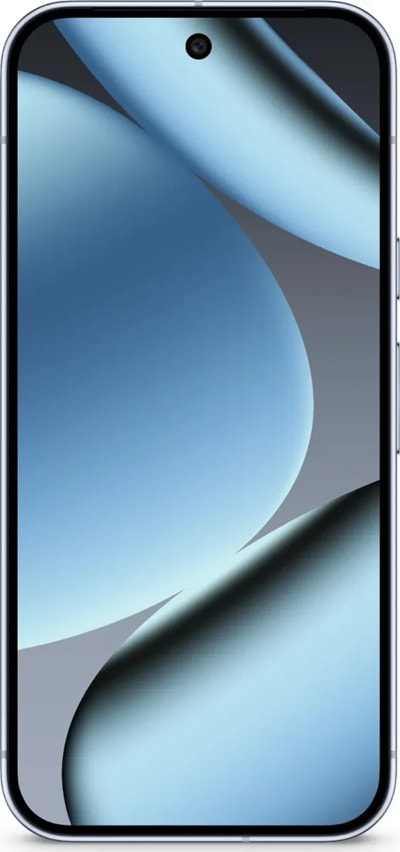

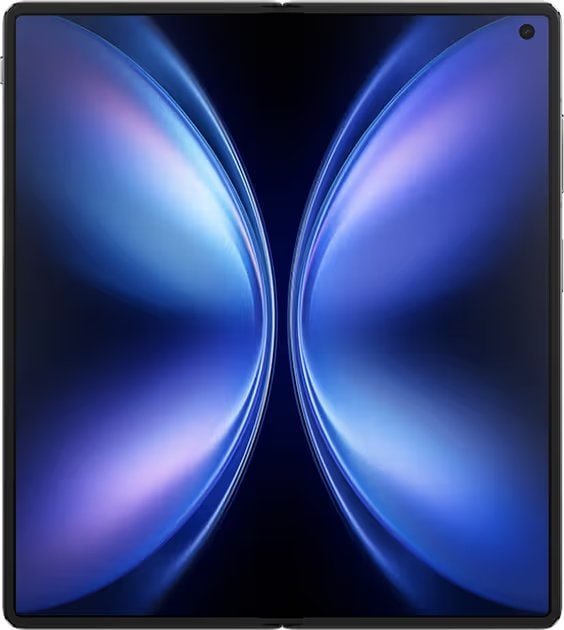


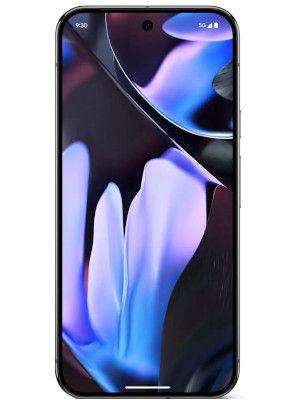

Making the leap from one mobile ecosystem to another can feel like a big step, especially for long-time iPhone users. With the launch of the Pixel 10 series, Google has made clear efforts to ensure the process of switching is not only faster but also less complicated. Here is a closer look at how the move from an iPhone to a Pixel 10 works, and what users can expect during the transition.
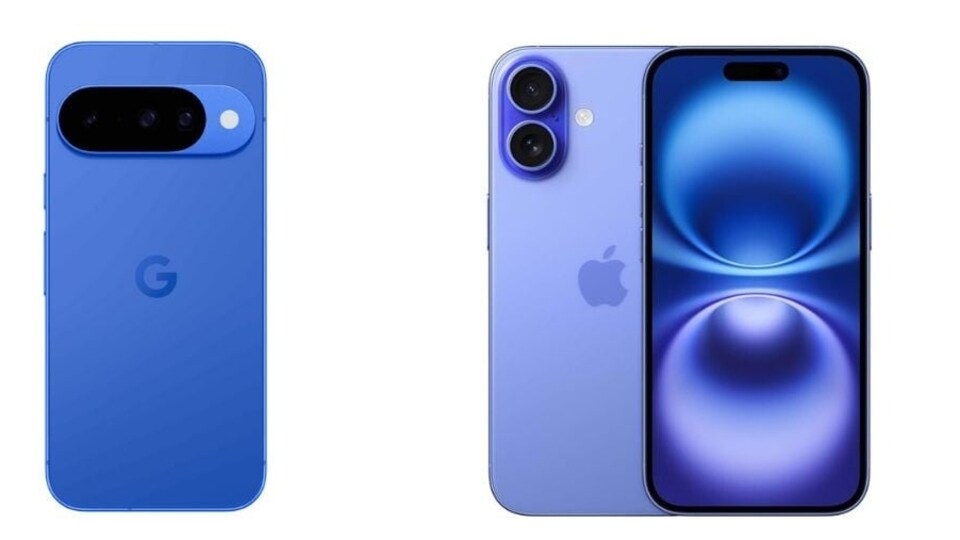

Those who order a Google Pixel 10 through the Google Store receive guidance even before delivery. Google sends detailed instructions to help iPhone users get ready in advance. This includes backing up essential items such as contacts, photos, passwords, and digital wallet data into a Google Account. The advantage of doing this early is that once the new device arrives, the setup becomes much quicker.
Also read: Google Pixel 10 5G mobile series launched: Check out Price in India, specs, and features
How the Transfer Works
When the Google Pixel 10 is in hand, the transfer process itself takes around 30 minutes. Users connect the iPhone to the Pixel with a cable and simply follow on-screen directions. The system allows movement of a wide range of data:
- Photos and videos
- Contacts
- Texts and iMessages
- WhatsApp conversations
- Notes
- Call history
- Supported apps
After the initial setup, additional iCloud photos can also be migrated into Google Photos, ensuring all memories are stored in one place.
Also read: Google Pixel 9 Pro gets ₹23,000 off on Flipkart hours before Pixel 10 Pro launch
Apps and Subscriptions
Most applications carry over, but subscription-based services like Spotify or Apple Music require users to sign in again. Some paid apps may not transfer automatically, depending on the developer’s policies regarding prior purchases.
On the other hand, switching devices does not mean losing connection with iPhone contacts. Apple’s adoption of RCS has improved messaging across platforms, allowing read receipts and emoji reactions to work between the two. FaceTime, however, has limited use. Pixel 10 owners cannot initiate a FaceTime call, but can join one if provided a link. For regular video calls, apps such as Google Meet, WhatsApp, or Messenger offer practical alternatives.
Also read: Google Pixel 10 Pro, 10 Pro XL available for free on AT&T US: Check eligibility
Daily Features and Location Tools
Location sharing continues seamlessly through Google Maps, where users control visibility and duration, similar to Apple’s approach. The Pixel 10 also introduces features like Clear Calling, which minimises background noise during calls, and photo editing tools that even work on images originally captured on an iPhone.
The move to a new phone is also an opportunity to organise digital life. Users can delete unnecessary photos, update contact details, and choose only the most important apps to carry forward.


