
 E-Paper



FCI Category 2 recruitment 2019: Admit card released at fci.gov.in, here’s how to download
The recruitment drive is being conducted to fill 330 vacancies for Managers (General/ Depot/ Movement/ Accounts/ Technical/ Civil Engineering/ Electrical Mechanical Engineering/ Hindi) under category-II.


Food Corporation of India has released the admit card for Phase-1 online examination for Category-II recruitment of Managers on November 13, 2019. Candidates who have registered for the examination can download their admit card online at, fci.gov.in on or before November 28, 2019.
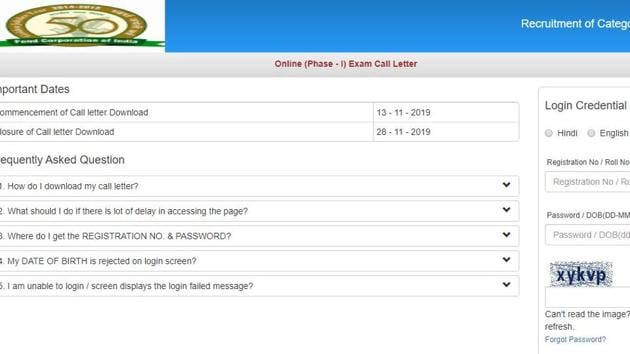
The recruitment drive is being conducted to fill 330 vacancies for Managers (General/ Depot/ Movement/ Accounts/ Technical/ Civil Engineering/ Electrical Mechanical Engineering/ Hindi) under category-II. The vacancies are distributed among five zones across India, which includes North zone, South zone, East zone, West zone and North-East zone.
Earlier FCI has also released an official notification regarding the schedule of Phase 1 recruitment examination. According to the notice, FCI will be tentatively conducting the recruitment examination for FCI Manager on November 28, 2019. The total duration for the online examination will be 60 minutes.
Here are the links (as per zone) to download the admit card:
How to download the admit card:
1.Visit the official website
2.On the home page, go to the current recruitment tab
3.On the webpage, click on the link that reads, ‘Category II Recruitment’
4.A new page will appear on the display screen
5.Select the zone for which you have applied
6.Click on the link available to download the call letter
7.A new page will appear on the display screen
8.Key in your credentials and log in
9.Admit card will appear on the display screen
10.Download the admit card and take its print out for future reference.


