
 E-Paper



Apple unveils iOS 17. Check eligible iPhones, how to download update, features
Apple unveiled the latest iPhone operating system months after making the big announcement at the Worldwide Developers Conference in June.

 Prefer HTon Google


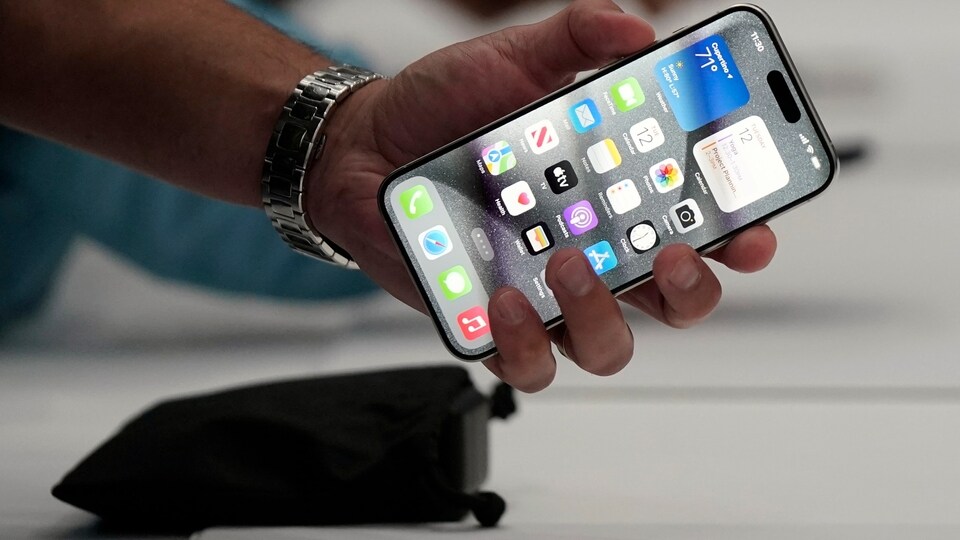
Apple on Monday launched the iOS17 with several new features. The Cupertino-based technology giant unveiled the latest iPhone operating system months after making the big announcement at the Worldwide Developers Conference (WWDC) in June.
Which iPhone devices are eligible?
Not all iPhone devices are eligible for the iOS 17 update. The company has discontinued updates for older iPhone versions. Here is the list of compatible iPhones.
• iPhone 15 series
• iPhone 14 Series
• iPhone 13 Series
• iPhone 12 Series
• iPhone 11 Series
• iPhone XS
• iPhone XS Max
• iPhone XR
• iPhone SE 2020
• iPhone SE 2022
How to download iOS 17 on your iPhone?
To update your iPhone to iOS 17, open the ‘Settings’ app on your device. Tap on ‘General’ and select ‘Software Update’. Now, tap on the ‘Download and Install’ option. To update the iPhone immediately, select ‘Install’. If you want to download the latest iOS 17 later, tap ‘Later’ and select either 'Install Tonight' or 'Remind Me Later.'
- If you choose 'Install Tonight,' do connect your device to a power source at night, and it will update by morning. Enter your passcode when prompted.
After selecting 'Download and Install,' a loading bar will appear, along with an estimated download time. After the download is complete, restart your device, and iOS 17 will install automatically.
Features
The iOS17 comes with several new features to enhance user experience. The Contact Posters help you to decide how you show up when you call people with a customised poster chat that includes various treatments for photos, Memoji and your name. Your Contact Poster will be shared automatically with your contacts.
Then there is a new full-screen experience for when iPhone is on its side while charging, with glanceable information designed to view from a distance. StandBy is perfect for your nightstand, kitchen counter or desk, Apple said.
The new update includes a Journal feature helping you to write about your experiences, find meaningful insights, and let journaling suggestions and writing prompts help you get started.


