
 E-Paper



Asus ExpertBook P3 (2026) review: Asus makes a strong case for affordable business laptops | HT Verified
The Asus ExpertBook P3 offers strong performance, useful ports and upgradeability at a sensible price, but its single channel RAM limits graphics performance.

 Prefer HTon Google


Our Picks
Our Picks
| Product | Rating | Price |
|---|---|---|
ASUS Zenbook 14,Smartchoice,Intel Core Ultra 5 (Series 2),16GB,1TB,3K OLED Touch Screen,14" (35.5 cm),120Hz,Win 11,M365 Basic (1Y),Office 2024, Silver,1.28 kg,UX3405CA-PZ345WS,Thin & Light LaptopView Details  | ₹1.25L | |
 | ||
ASUS Vivobook S14, Intel Core Ultra 5 225H, Intel iGPU,16GB RAM,512GB SSD, FHD+,14",60Hz,Windows 11,M365 Basic (1Year)*,Office Home 2024,Cool Silver,1.4 Kg, S3407CA-LY060WS, Metallic Design LaptopView Details | ₹92,990 | |
| ||
ASUS Vivobook 16 (2026),Smartchoice,Intel Core Ultra 5 325 (Series 3),16GB RAM,512GB SSD,FHD+, 16"(40 cm),Win 11 Home,M365 Basic(1 Year),Office 2024,Cool Silver,1.88 kg, X1607AA-MB038WS, Copilot+ PCView Details | ||
| ||
ASUS TUF A15 (2026),Smartchoice,AMD Ryzen 7 8845HS,RTX 3050,16GB RAM (Upgradeable Upto 64GB),512GB SSD,FHD,15.6"(39.6 cm),Win 11,M365 Basic(1Y),Office 24,Black,2.3 Kg,FA506NCG-HN192WS,Gaming LaptopView Details | ||
| ||
ASUS Vivobook S16 (2026),Smartchoice,Intel Core Ultra 5 325 (Series 3),Intel iGPU,16GB RAM,512GB SSD,OLED, 16"(40 cm),Win 11,M365 Basic(1Y),Office 24, Cool Silver, 1.7 Kg, S3607AA-SH087WS, Copilot+ PCView Details | ₹1.38L | |
| ||

Research-Backed Choices
Every product we recommend is chosen through a combination of Primary Research and Secondary Research.


Asus has launched its latest ExpertBook P3 and P5 laptops at a time when PC hardware prices are climbing steadily. RAM, SSDs and other components have become noticeably more expensive in 2026, so buying a proper business laptop can easily turn into a much bigger investment than expected. The new ExpertBook P3, however, is trying to go in the opposite direction. Starting at ₹82,500 on Flipkart, it brings fairly powerful hardware to a business laptop without the hefty price tag.
I have been testing the 14-inch ExpertBook P3 with Intel Core Ultra 7 255H, 16GB RAM and 512GB SSD, and there is a lot to like here. Asus has clearly cut a few corners to keep the price under control, especially with the display and chassis, but most of those compromises are understandable at this price. There is, however, one particular decision around the RAM configuration that has a much bigger impact on performance than I initially expected.
Asus ExpertBook P3 specifications
Specification | Asus ExpertBook P3 |
|---|---|
| Processor | Intel Core Ultra 7 255H |
| GPU | Intel Graphics, Arc 140T capable |
| RAM | 16GB DDR5 5600MHz |
| Storage | 512GB PCIe 4.0 NVMe SSD |
| Display | 14 inch WUXGA IPS, 1920 x 1200, 60Hz |
| Display finish | Anti glare, 300 nits, 45% NTSC |
| Ports | Thunderbolt 4, USB C, 2x USB A, HDMI 2.1, RJ45, 3.5mm |
| Battery | 50Wh |
| Charger | 65W USB C |
| Weight | 1.49kg |
| Price | ₹82,500 |
Design: Practical rather than premium
Let's start with the design because the ExpertBook P3 is not going to win any beauty contests. The 14-inch version is a fairly generic-looking business laptop, and the use of polycarbonate and ABS plastic makes that quite obvious. It weighs around 1.49kg, which is reasonable for a 14-inch machine, and the relatively slim chassis makes it easy enough to carry around.
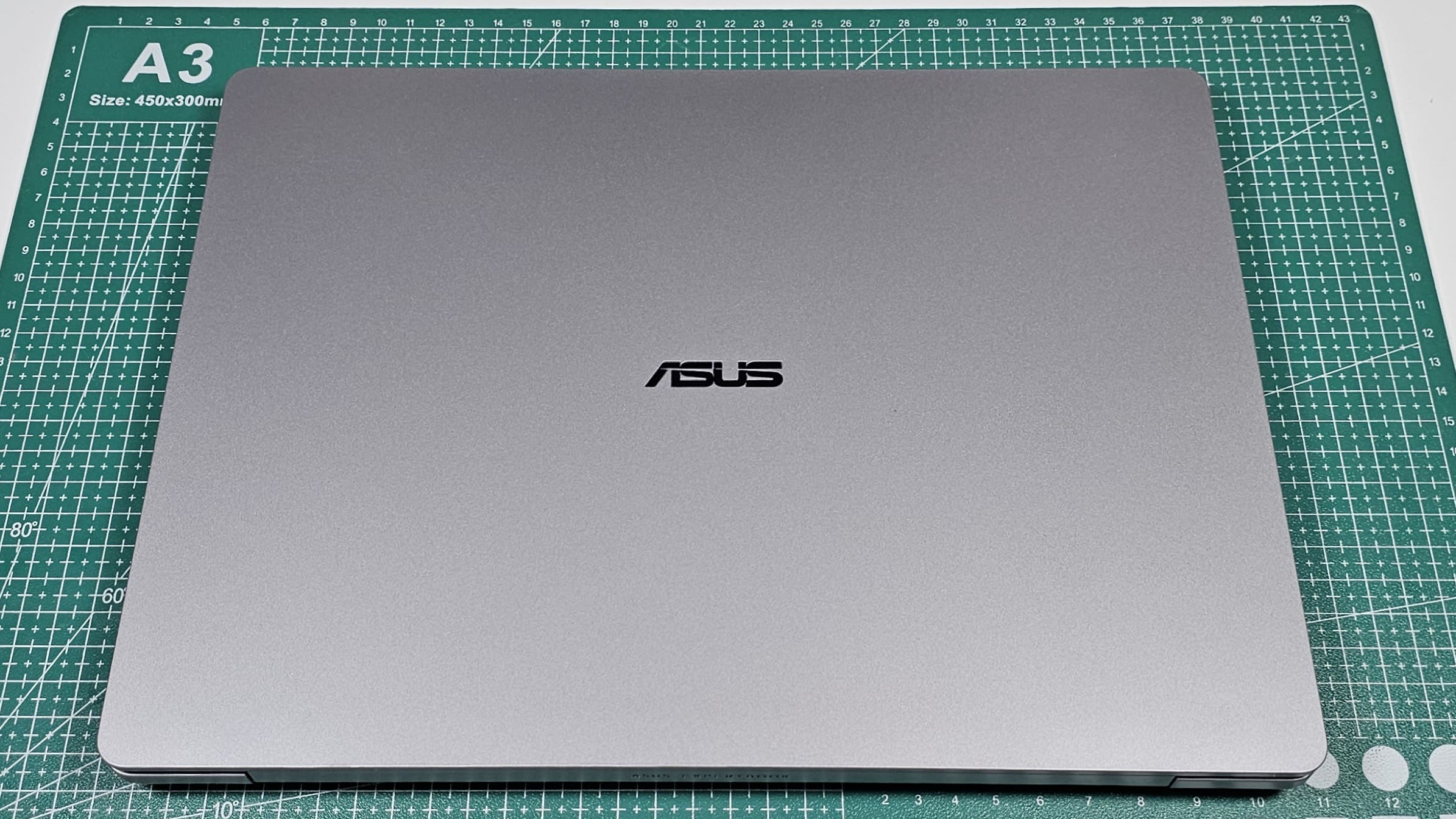
The top lid is a different story; the metallic finish and shiny Asus logo in the centre make it look considerably more premium than the rest of the chassis. Open it up, though, and you can see where Asus has saved money. There is some flex on the deck, particularly in the area between the keyboard and trackpad, and the plastic bottom panel looks and feels basic.
The hinge is quite good. I can open the laptop with one hand, and it folds all the way back to 180 degrees. There is some wobble while adjusting the display, though, so it isn't quite as rigid as I would like.
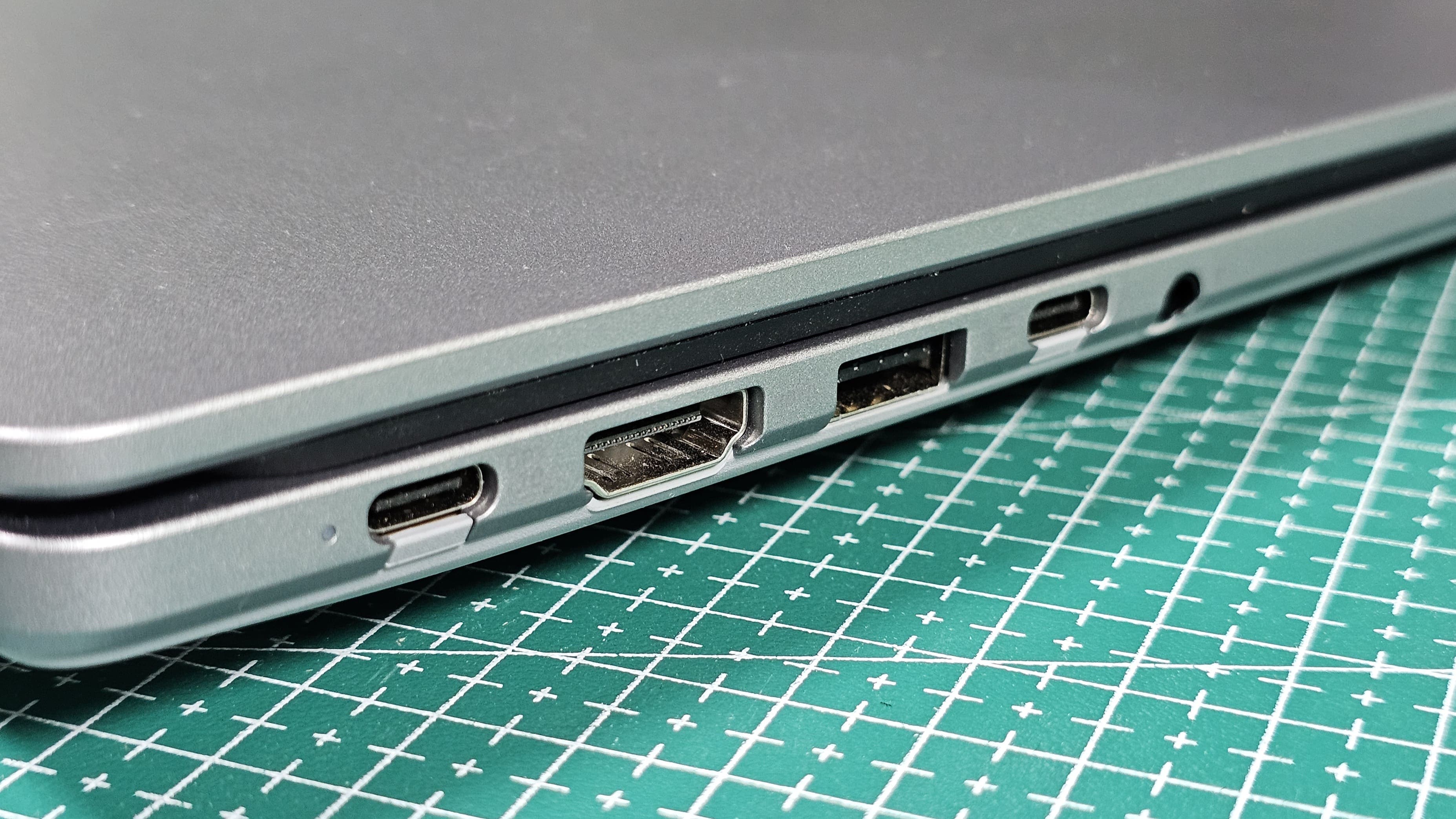
What I do like is the practicality: Asus has managed to fit a full-size Gigabit Ethernet port into this fairly thin chassis, along with Thunderbolt 4, a full-function USB-C port, two USB-A ports, HDMI 2.1 and a headphone jack. For a business laptop, that's a very useful selection.
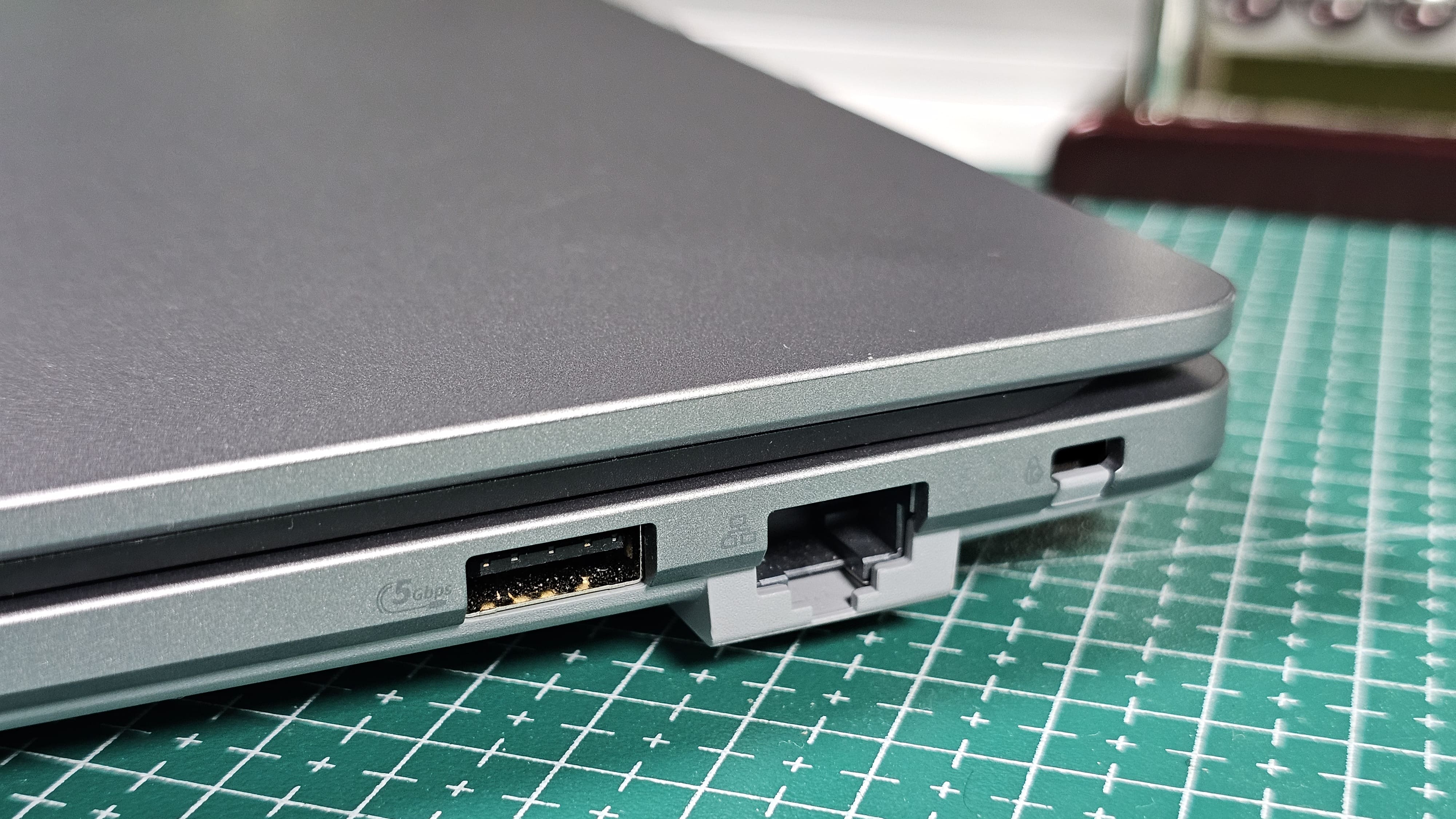
Asus has also added internal metal reinforcement to the PC+ABS chassis and claims the P3 has passed 24 MIL STD 810H tests. Its internal testing includes up to 50,000 hinge cycles, 10 million keystrokes and keyboard spill resistance. The latter is particularly useful because spill-resistant keyboards are still not something you get on every expensive laptop. Just remember that spill-resistant does not mean waterproof.
Display: Functional, but nothing special
The display is a 14-inch 16:10 IPS panel with a 1920 x 1200 resolution, 60Hz refresh rate, 300 nits brightness and 45% NTSC colour coverage. It also has an anti-glare coating, which is useful if you are working in offices with harsh lighting or near windows.
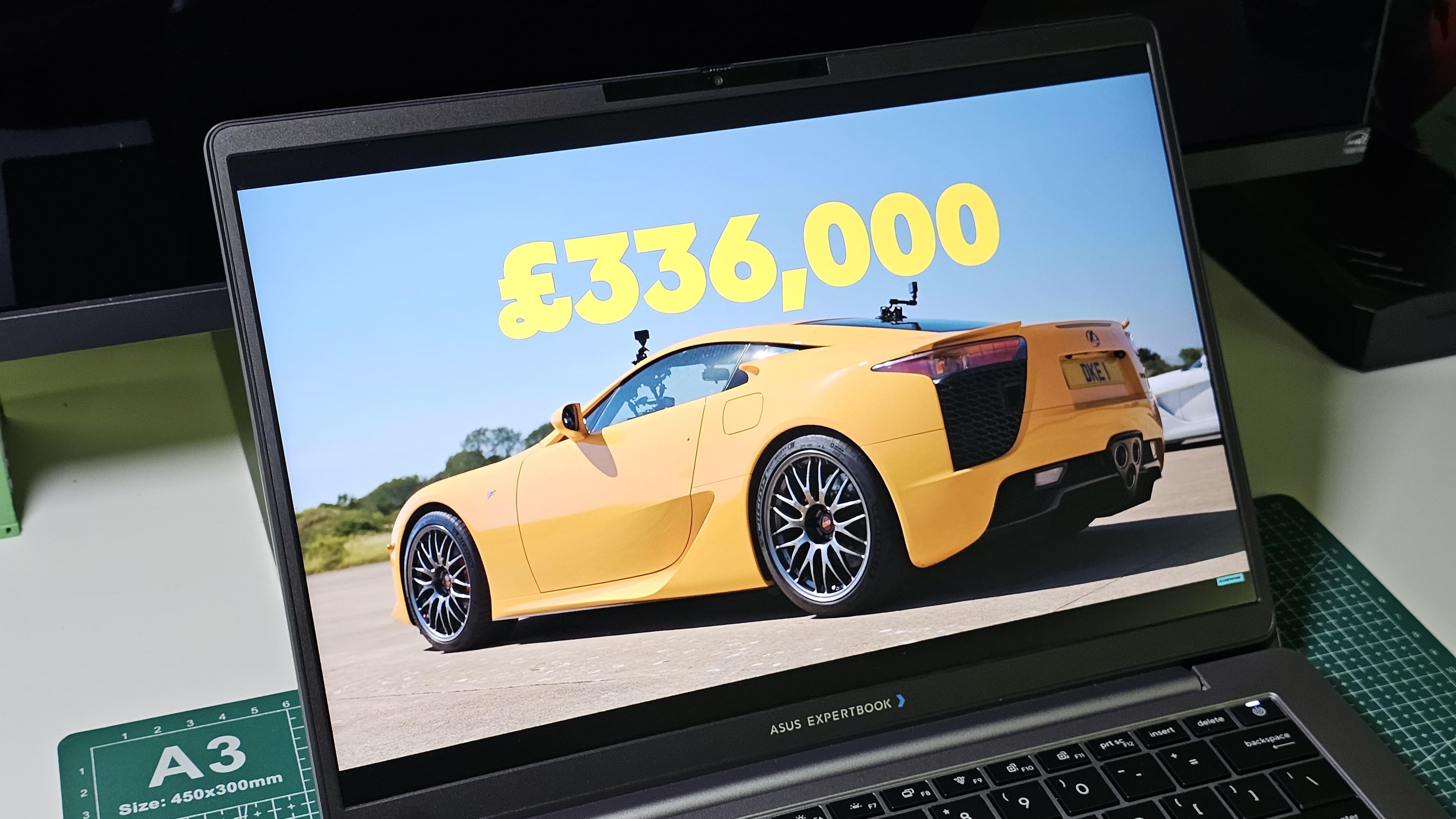
There isn't much else to talk about here. The viewing angles are decent, and text looks sharp enough at this size, but colour reproduction isn't particularly impressive. If you are buying the ExpertBook P3 primarily for spreadsheets, documents, coding and general office work, it gets the job done. For photo or video editing, this isn't the display I would choose.
This is also one of the areas where Asus' more expensive configurations are quite different. The ExpertBook P3 family can be configured with considerably better panels, but my particular 14-inch unit gets the basic WUXGA display.
Keyboard and trackpad
The keyboard is again quite conventional, but I actually enjoyed typing on it. It uses a chiclet layout with 1.5mm key travel, and the power button doubles as the fingerprint sensor.
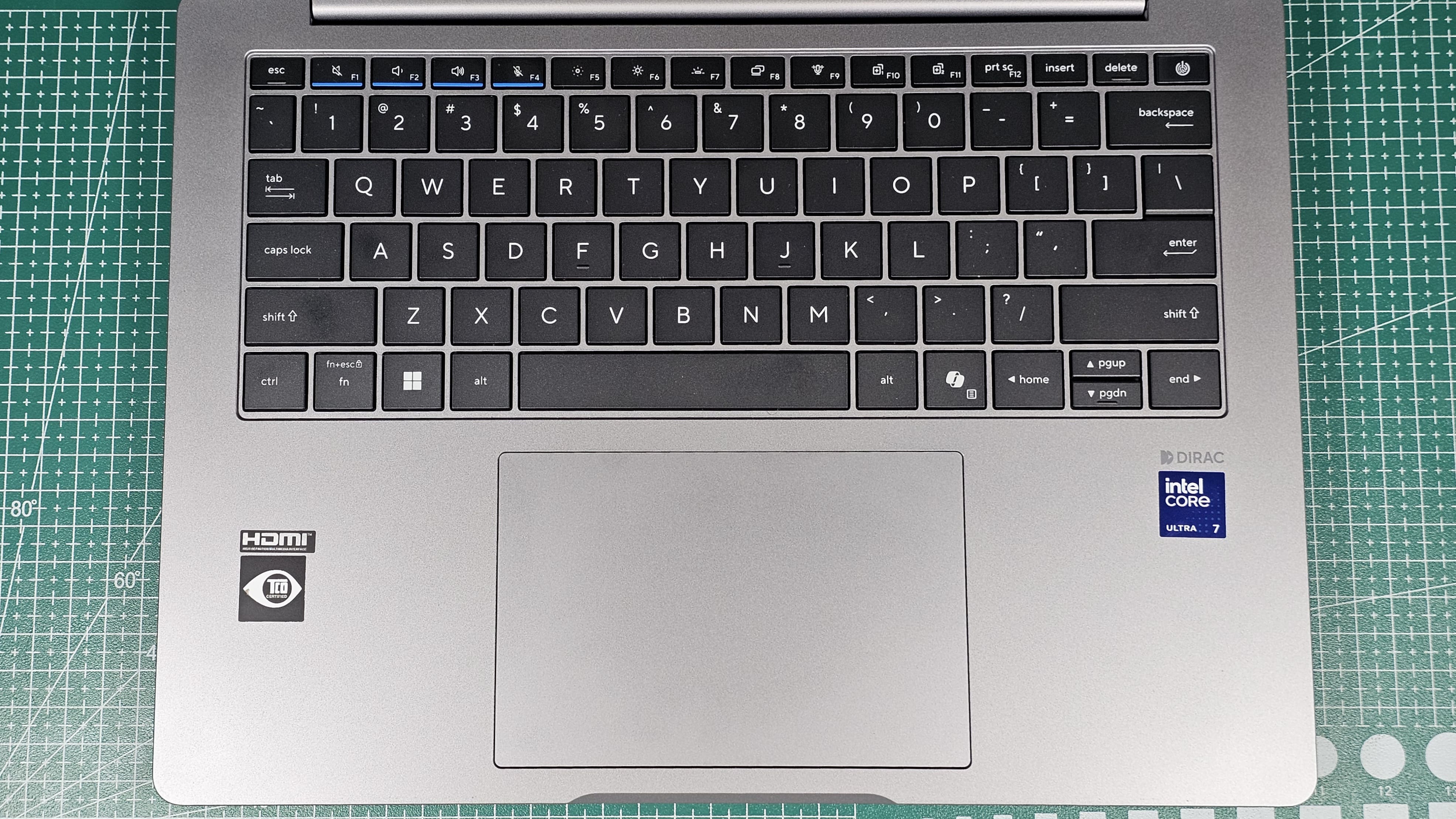
The power button sits where you would normally expect the Delete key to be, which initially feels strange. Thankfully, Asus has made the button noticeably firmer than the regular keys, so accidentally pressing it while reaching for Delete is unlikely.
The trackpad is large and supports the usual Windows gestures, but it is still the old-school clicky type rather than a haptic trackpad. Tracking is fine, although I did run into a strange issue where the trackpad sometimes didn't immediately wake the laptop. I suspect this is a driver issue and hopefully Asus can fix it through a software update.
Performance: There is a catch
My unit comes with the Intel Core Ultra 7 255H, 16GB DDR5 5600MHz RAM and a 512GB PCIe 4.0 SSD. The 255H is a 16-core, 16-thread processor with a maximum boost clock of 5.1GHz and Intel's Arc 140T integrated graphics architecture. Intel rates the chip at up to 96 total TOPS, including 74 GPU TOPS and 13 NPU TOPS.
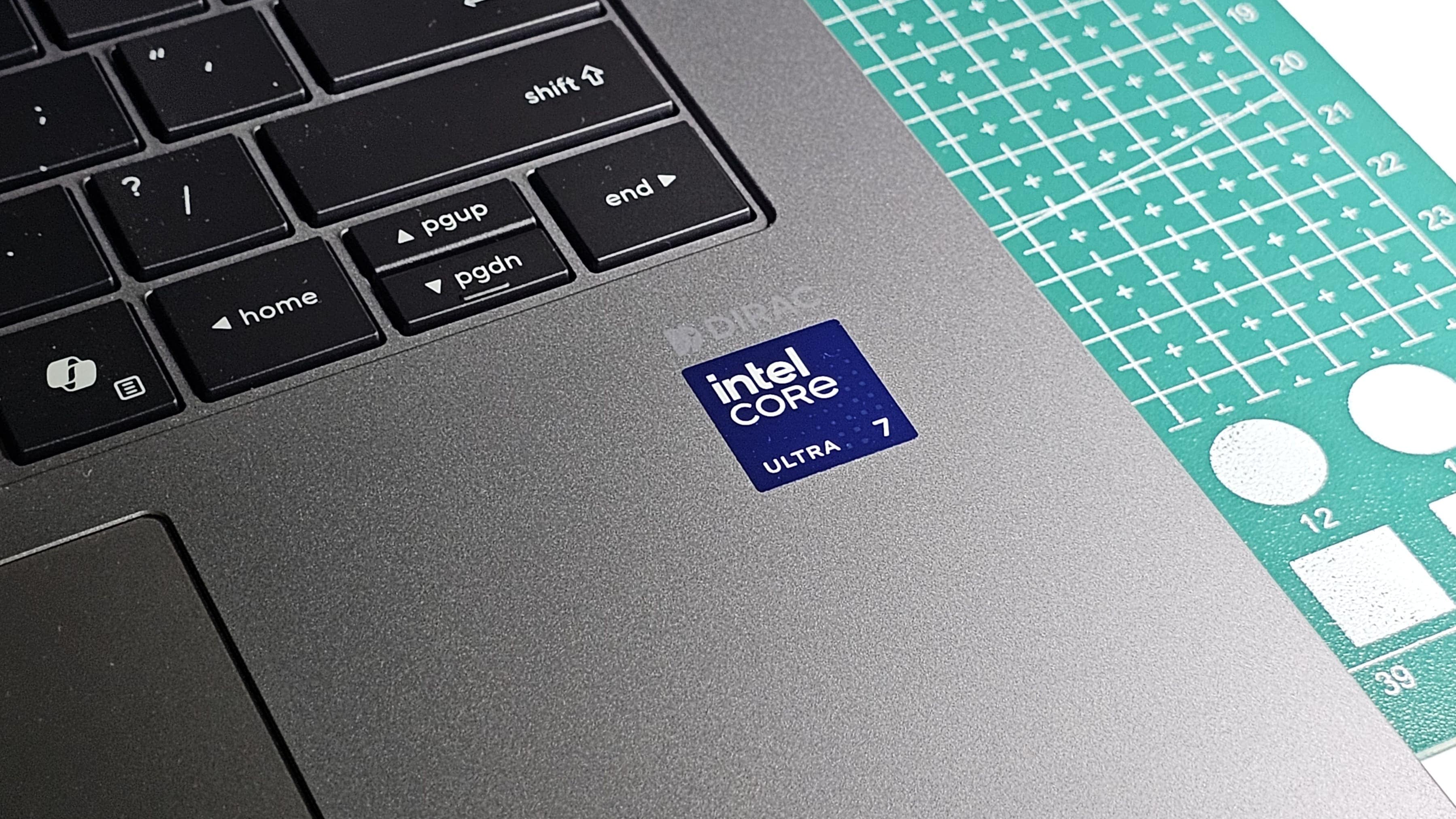
On the CPU side, this thing is genuinely fast. I could throw heavy multitasking, large spreadsheets, browser tabs, productivity software and other demanding workloads at it without the laptop feeling underpowered. The benchmark results from my testing are included in the graphics below, but the important thing is that the CPU itself is not the problem here.
The problem is the RAM configuration. When I launched Counter-Strike 2, I was getting only around 30fps, which immediately looked suspicious. A Core Ultra 7 255H should be capable of considerably more than that from its integrated graphics. After digging around, I found that Asus has shipped my laptop with a single 16GB DDR5 module, leaving the second SO-DIMM slot empty.
The 255H's Arc 140T graphics performs much better with dual-channel memory. Intel officially lists two memory channels for the chip, while testing of other 255H laptops has also shown a substantial difference between single and dual-channel configurations.
So, technically, the laptop has the hardware for Arc 140T graphics, but this particular configuration is being held back by the single-channel memory setup. Adding another compatible 16GB DDR5 module should enable the proper dual-channel configuration and significantly improve integrated graphics performance.
And honestly, this is a strange time to tell someone to just "buy another RAM stick". In 2026, RAM prices have gone from something you barely think about to something you check your bank balance for twice. The upside is that Asus at least hasn't soldered the RAM.
Asus ExpertBook P3 2026 testing and benchmarks
Category | Benchmark / Detail | Result |
|---|---|---|
| Build material | Polycarbonate + ABS plastic with internal metal reinforcement | |
| Weight | 1.49kg | |
| Thickness | 18.9mm | |
| Battery | 50Wh | |
| Video playback | Approx. 8 hours | |
| Office use | Approx. 5 to 6 hours | |
| Charging time | 1.5 to 2 hours to 100% | |
| Overall performance | PCMark 10 | 7,056 |
| CPU | Geekbench 7 Single Core | 2,356 |
| CPU | Geekbench 7 Multi Core | 13,157 |
| CPU | Cinebench 2026 Single Thread | 472 pts |
| CPU | Cinebench 2026 Multi Thread | 3,407 pts |
| GPU | 3DMark Steel Nomad Light | 2,108 |
| GPU | 3DMark Wild Life | 9,980 |
| GPU | 3DMark Night Raid | 12,876 |
| GPU | Night Raid Graphics Score | 12,496 |
| GPU | Night Raid CPU Score | 15,565 |
| Storage | Sequential Read | 6,685.29 MB/s |
| Storage | Sequential Write | 3,275.99 MB/s |
| Storage | Random Read | 488.53 MB/s |
| Storage | Random Write | 385.26 MB/s |
Upgradability: Asus got this part right
This is one of the strongest aspects of the ExpertBook P3. There are two SO-DIMM slots, so you can upgrade the memory later, and there are also two M.2 PCIe 4.0 SSD slots. Asus says the platform can support up to 64GB of preconfigured memory, with higher self-upgrade limits depending on the configuration, while storage can be expanded substantially with the two SSD slots.
The serviceability is also well thought out. Asus uses a proprietary latching system designed to make the first access layer easier to remove, and the internal layout gives access to the RAM, SSD, WLAN card and battery. So while the single-channel 16GB setup hurts performance out of the box, at least Asus has left you a straightforward upgrade path.
Software, security and AI
The P3 comes with business-focused security features including TPM 2.0, Secure Boot, a webcam privacy shutter, fingerprint authentication and a commercial-grade BIOS with self-healing capabilities. Asus also promises five years of BIOS and driver security updates after product announcement.
For businesses, these features are far more relevant than flashy AI gimmicks. The laptop is designed to protect the hardware and firmware level, while Asus also offers management features for remotely configuring security and managing devices.
There are AI features too. ExpertMeet can handle things such as AI noise cancellation, voice enhancement, meeting transcription, translation and other conferencing tools, while the AI camera adds features such as background blur, motion tracking and lighting optimisation. The full AI feature set requires 16GB RAM, so my configuration qualifies.
For someone using this laptop for meetings every day, these features make considerably more sense than simply having an NPU badge on the palm rest.
Battery
My unit has a 50Wh battery, which feels small by 2026 standards, especially in a laptop with a relatively power-hungry H-series processor. Asus includes a compact 65W USB-C charger, and charging is reasonably quick, taking around 1.5 hours to reach a full charge in my testing. Battery life, however, isn't impressive. I could get around six hours of normal use on a full charge, which is usable but nowhere near Asus' headline figures.
Asus ExpertBook P3 2026 pros and cons
Pros
- Powerful Core Ultra 7 255H processor
- Excellent port selection including Thunderbolt 4 and Gigabit Ethernet
- RAM and storage are upgradeable
- Spill-resistant keyboard
- Useful business security features
- 65W USB-C charging
Cons
- Single-channel 16GB RAM limits integrated graphics performance
- Average display
- Battery life is mediocre
Should you buy it?
The Asus ExpertBook P3 is an interesting business laptop because it gets the fundamentals mostly right without trying to look more premium than it actually is. The build is basic, the display is average, and the trackpad feels dated, but you get a powerful Core Ultra 7 processor, excellent port selection, a good keyboard, useful business security features and genuinely impressive upgradeability.
The biggest problem is the single-channel RAM configuration. It leaves the Core Ultra 7 255H's integrated graphics performing far below what the hardware is capable of, and at a time when adding another RAM stick can be surprisingly expensive, that feels like an unnecessary compromise.
If you are buying the P3 primarily for office work, coding, productivity and business use, the CPU performance is excellent. But if you also want to take advantage of the Arc graphics, I would strongly recommend budgeting for a second RAM module. That one upgrade could completely change how this laptop performs.
Aspect | Score (10) | My evaluation |
|---|---|---|
| Design & Build Quality | 7.5 | Good enough for everyday work, but the plastic build feels basic. |
| Display Quality | 7 | Usable for work, but the display is fairly basic. |
| Keyboard & Trackpad | 7 | Comfortable keyboard, but the trackpad feels a little dated. |
| Performance | 8 | Strong CPU performance, although single channel RAM limits the graphics. |
| Battery Life | 7 | Decent battery life, but nothing exceptional. |
| Upgradeability | 9 | Excellent upgrade options with expandable RAM and dual SSD slots. |
| Overall Score | 7.5 | A capable business laptop with strong performance and excellent upgradeability. |
Final Verdict: HT Verified Recommended (Scores Above 7.5 Qualify)
Overall score: 7.5 / 10
Alienware 15 (2026) review: Good gaming laptop, but less Alienware than I would like
ASUS Jelly75 keyboard KD201 review: A prebuilt keyboard I didn't feel like modifying
Fujifilm X-T30 III review: The specs are familiar, but the shooting experience is hard to ignore
Disclaimer: At Hindustan Times, we help you stay up-to-date with the latest trends and products. Hindustan Times has an affiliate partnership, so we may get a part of the revenue when you make a purchase. We shall not be liable for any claim under applicable laws, including but not limited to the Consumer Protection Act, 2019, with respect to the products. The products listed in this article are in no particular order of priority.



