
 E-Paper



Have you been blocked on WhatsApp? Follow these steps to check
WhatsApp has privacy feature to block any particular contact that will cease communication with the contact on the platform.

 Prefer HTon Google


WhatsApp carries many features focused to secure the user's privacy and to promote safer communication. Of these, there is a feature to block any particular contact from sending messages to you. This feature enables users to cease communication with the contact on the instant messaging app.
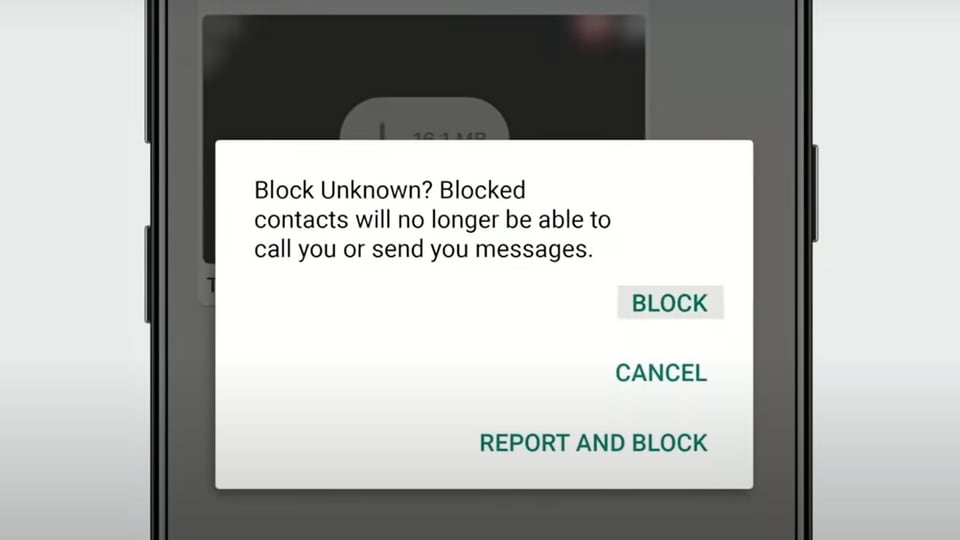
How to know if someone has blocked you on WhatsApp ?
1. The foremost indicator is that you will not be able to see the contact’s last seen or online status in the chat window. That being said, it could however also be because of the privacy settings selected by the user. But it is definitely an easy way to check if you have been blocked.
2. The second indicator is the profile picture of the contact would not be visible, if so, then there is a high probability that the person may have blocked you on the platform.
3. The third big indicator of being blocked on WhatsApp is when sending a message to that contact, only a check mark (message sent) would show on the message. Once blocked, it will never show another check mark, which appears only when the message is delivered.
4. Furthermore, this can also be confirmed by trying to make any kind of call (voice and video) to the contact. If blocked, the call won’t connect.
If a user sees all the above indicators for a contact, it could mean that the user has blocked him or her. However, there are other possibilities as well. On its FAQ page, WhatsApp says it has intentionally made it ambiguous to protect user privacy when blocking someone.
ALSO READ: WhatsApp working on a feature to allow users edit sent messages: Report
How to block a contact
1. Launch WhatsApp, tap three dots for more options> Settings
2. Tap Account > Privacy > Blocked contacts
3. In that, click Add.
4. Now search or select the contact you want to block.
Alternatively, to block unknown person not in contact list
1. Go to the contact’s chat
2. Open the Contact Info by clicking on the top bar that displays the contact’s picture and name
3. Scroll down, and you’ll see an option to block the contact.
After this, the blocked person will no longer be able to communicate over call or messages. Also, the last seen, online, status updates, and any changes made to profile photo will no longer be visible to that contact.
However, the blocked contact will still remain in the contacts list.
ALSO READ: How to enable WhatsApp notifications on your desktop, laptop? Follow these steps
How to Unblock a blocked contact
Follow the same process.
1. Open WhatsApp, tap three dots and go to Settings
2. There, click Account > Privacy > Blocked contacts
3. Select the contact you want to unblock
4. Click Unblock.
Or,
1. You can search for the blocked contact
2. Tap and hold the contact
3. Click Unblock.


