
 E-Paper



Samsung rolls out One UI 7 with AI smarts to older Galaxy devices: How to download it and more
Samsung has started rolling out OneUI 7 for select Galaxy devices, but it is reportedly a staggered roll out. Here's what you need to know.

 Prefer HTon Google







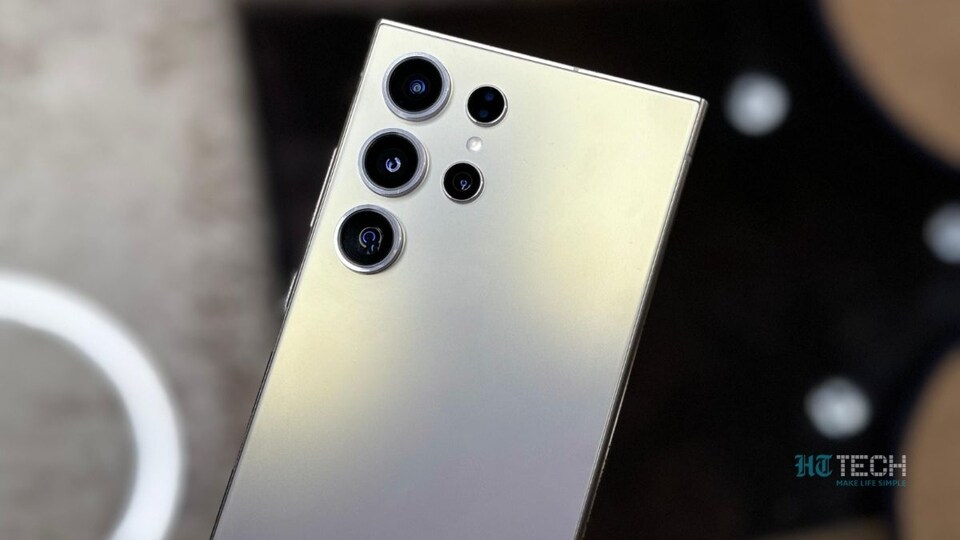
In what will be welcome news for Samsung Galaxy device owners, Samsung has begun rolling out the One UI 7 update, based on Android 15. The update is currently being released to select Galaxy smartphones, including the Galaxy S24 series, Samsung tablets such as the Tab S9 and S10 series, and the company’s latest foldable devices. As per reports, here is the complete list of smartphones and tablets receiving the One UI 7 update in the initial phase.

Also Read: CMF Phone 2 Pro by Nothing confirmed to launch in India on April 28: Know what’s more coming
Samsung OneUI 7 Rolling Out For These Devices
Samsung Galaxy S series, including the Galaxy S24, S24+, and S24 Ultra, along with the Galaxy S23, S23 FE, and the S23 Ultra. The Samsung Tab series includes the Tab S10, Tab S10+, Tab S10 Ultra, Tab S9, Tab S9+, and Tab S9 Ultra. The Samsung Galaxy Z models include the Galaxy Z Fold 6, Z Flip 6, Z Fold 5, and Z Flip 5. All of these devices are reportedly receiving the One UI 7 update based on Android 15 during the initial rollout.
Owners of these devices will be able to enjoy new features such as AI-powered writing assist, a redesigned now bar, improved Google Gemini integration, better Circle to Search functionality, and more.
OneUI 7: How To Download It?
According to reports, including what we could independently verify, not every country is receiving the update at the same time. It is being rolled out in a staggered manner. At the moment, it appears that only South Korea has received the official update, with other countries expected to follow soon.
To check if the One UI 7 update is available for your device, go to your smartphone’s settings, navigate to software update, and tap on 'Check for updates'. If the update is available, you can simply download and install it. That said, it may take some time before everyone, including users in India, gains access to the One UI 7 update.
Also Read: Nintendo Switch 2: Release date, expected price, games, key features and more


