
 E-Paper



MHA IB security admit card for Tier 1 exam released, here’s how to download
Ministry of Home Affairs has released the admit card for tier 1 exam to recruit Security Assistant in Intelligence Bureau (IB). The examination will be held on February 17.

 Prefer HTon Google


Ministry of Home Affairs has released the admit card for tier 1 exam to recruit Security Assistant in Intelligence Bureau (IB). The examination will be held on February 17.

Candidates who have applied for the exam can download their admit card from the official website of the MHA.
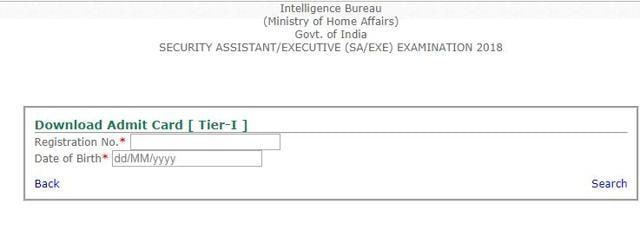
Here is the direct link to download IB Security assistant admit card.
A total of 1054 vacancies will be filled through this examination. The tier 1 written exam will be of 100 marks and candidates will get 2 hours to complete. The question paper will have 40 questions on general awareness, 20 questions on quantitative aptitude, 20 questions on logical/ analytical ability and 20 questions on English language. Each question will carry 1 mark. There will be negative marking of 0.25 mark for each wrong answer. No marks would be awarded for an un-attempted question. On the basis of their performance in Tier-I exam, candidates would be shortlisted for Tier-II & Tier-III exam at 10 times the number of vacancies.
IB Security Assistant Tier 1 Admit Card: Here’s how to download
1) Visit the official website of MHA
2) Go to Notification
3) Scoll down and click on vacancies
4) Go to link for ‘Online applications for the post of Security Assistant(Exe) in IB’
5) Click on download
6) Click on the link ‘https://www.recruitmentonline.in/mha13’
7) The login page for admit card opens
8) Key in your registration number and date of birth
9) Search
10) Admit card will be displayed on the screen
11) Download and take a printout


