
 E-Paper



SSC MTS paper 1 result 2019 declared at ssc.nic.in, here’s how to check
Staff Selection Commission (SSC) had conducted the Multi-Tasking (Non-Technical) Staff (Paper-I) Examination from August 2 to August 22, 2019.

 Prefer HTon Google


Staff Selection Commission (SSC) has declared the results of the multi-tasking staff (MTS) paper 1 examination on Tuesday, November 5, 2019. Candidates who have appeared in the examination can check their results online at, ssc.nic.in.
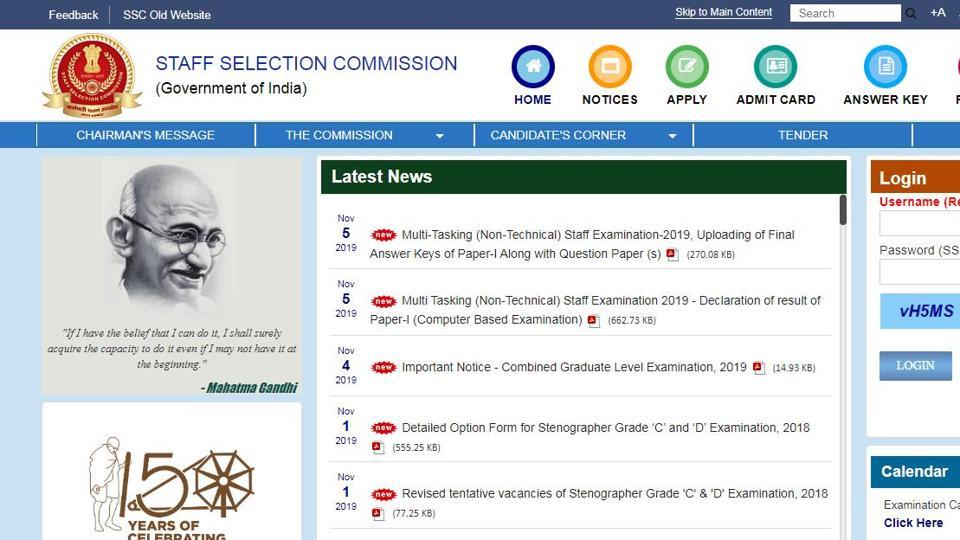
Staff Selection Commission (SSC) had conducted the Multi-Tasking (Non-Technical) Staff (Paper-I) Examination from August 2 to August 22, 2019. A total of 38 lakh 58 thousand aspirants had registered for the exam out of which 19 lakh 18 thousand had appeared.
Here’s the direct link to check the results:
List 1 (For Age group 18-25 years) Central Region
List 2 (For Age group 18-25 years) Northern Region
List 3 (For Age group 18-25 years) Regions other than Central and Northern
List 4 (For Age group 18-27 years) for all regions
How to check the results
1.Visit the official website
2.On the homepage, go to the results section
3.Go to the ‘others’ tab appearing on the webpage
4.Click on the links available for the results
5.MTS result in a pdf format will appear on the display screen
6.Scroll down and look for your result
7.Download the results and take its print out for future use.


