
 E-Paper



Techilicious by Rajiv Makhni: How to video-conference like a pro
Since work from home doesn’t seem to be quickly ending, some tips to ace the virtual meet


There are people I know who had never ever made a Zoom or Teams or Webex call in their life, and who are complete experts today. The lockdown and ‘work from home’ life has made all of us embrace this technology and most of us have taken to it like a duck takes to water.
Unfortunately, the expertise is only in learning the features of the video-calling software. The rest of the experience is truly horrible. The number of people asking, “Can you hear me” and, “Can you see me” is more than the number of video calls made. Most people make calls with a window behind them and sunlight streaming in (terrible idea: you look like a ghostly silhouette), and the sound quality we all get is horrendous.
The more we use video calls on a daily basis, the more this nightmare of terrible video and audio is blossoming. It’s time to make each and every one of you a total and absolute video- conference expert. And that time starts now.

Basics
Clean the front of your webcam with a fresh microfibre cloth and some alcohol (the liquidy, non-creamy sanitiser works best). Adjust your position so there isn’t any strong light source behind you, like an open window or a huge light. Try not to have a busy background (like printed curtains or crazy wallpaper pattern) behind you. It’s best to have a plain colour as a backdrop. Have everyone understand the basic rule of muting themselves when one person is speaking or else you’re all in this endless audio feedback loop. Make sure the distance between you and your device (phone, laptop or desktop) isn’t too vast when you’re speaking. The microphones on these devices are tinny-tiny little things and do a horrible job with sound when you’re far away. Switch to HD video if your video call software allows it.
Now that we’ve got the basics in place, it’s time to go pro.
Video
Light
The first thing you need to do is, get some light on your face. I don’t care how well-lit your room is – if there isn’t some direct light falling on your face, you’re not presenting your best face. A video call is all about people seeing you properly (or else you might as well do an audio call). Switch on a lamp with the light on your face, switch off all the light behind you and keep all the lights in front of you on. Or buy an LED ring light (a simple 10-inch one now costs about ~1,000) and keep it just behind and above the webcam.
Basically the light from the front needs to be more than the light behind you. Also, it shouldn’t be a harsh light (soften it with some wax paper if it’s too bright) or else you will age 10 years in front of the camera.
Camera
Webcams on desktops and laptops suck! You already own something that has a far better camera. Your phone! The back camera of your phone is usually awesome. Just download the right app (iVCam works on both iOS and Android) and download the equivalent of that on your desktop. Some will work wirelessly and some with a USB cable. Either way, the video and image you get will be startlingly better. Just choose that as your video source in your favourite video conference software and you’re good to go.
Pro Video
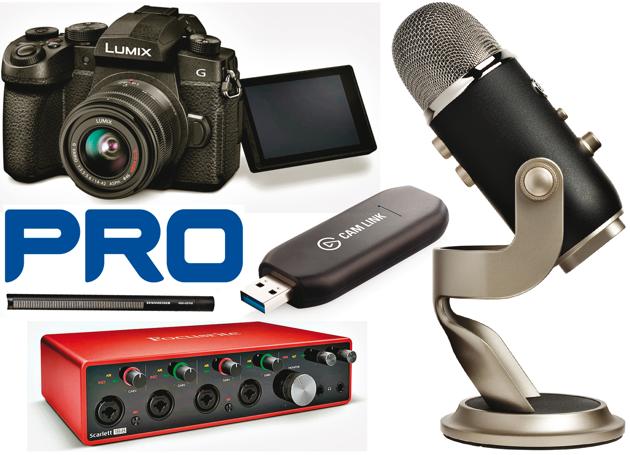
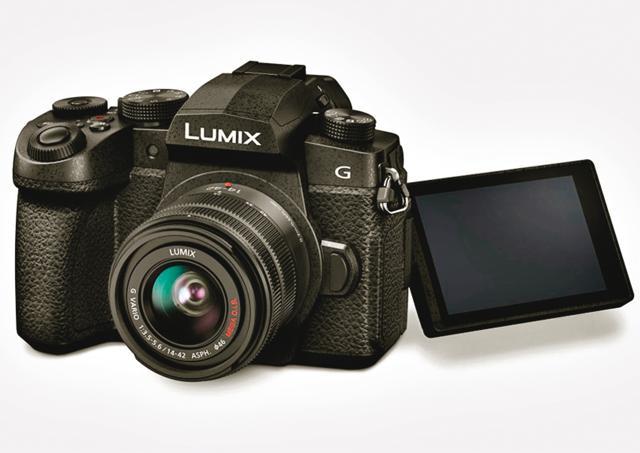
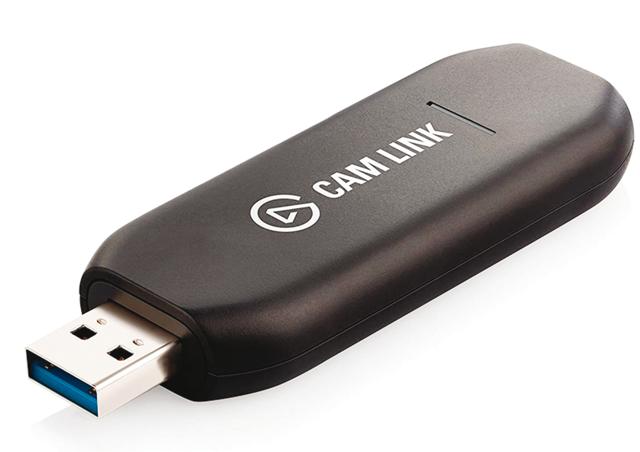
Now if you really want to go super pro (if you’re doing multiple critical video calls a day or recording yourself in them) and own a DSLR or mirrorless camera, then buy a video capture card like Cam Link and use that professional camera as your video source. You will be shocked with the professional studio-quality video you get.
Sound
Simple Changes
This one is simpler. Use headphones that are wired into your 3.5mm headphone jack or bluetooth headphones (even the TWS earbud styles work very well) and that boomy sound will be immediately gone.
Pro Audio
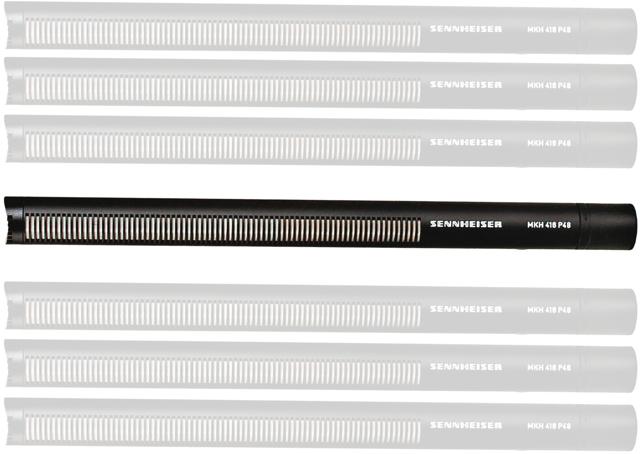
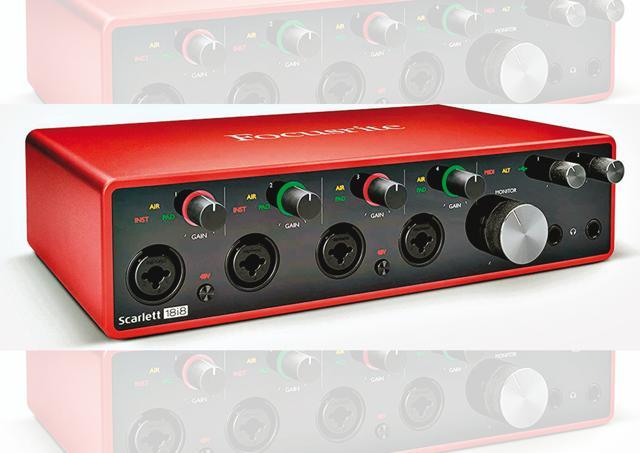
If you want to go super pro, invest in a good USB microphone set up (like Blue Yeti) or go even more super pro with a Sennheiser or Neumann (I use the Neumann TLM 103) with a USB interface. Once again, you will be shocked with the studio-quality audio.
There you have it. The quick step-by-step guide to take your video conference game to the pro level. Start using it now, dazzle everyone on your next video call and thank me later.
Rajiv Makhni is managing editor, Technology, NDTV, and the anchor of Gadget Guru, Cell Guru and Newsnet 3
Techilicious appears every fortnight
From HT Brunch, July 19, 2020
Follow us on twitter.com/HTBrunch
Connect with us on facebook.com/hindustantimesbrunch


