
 E-Paper



UOK BA, BSc and BCom admit card 2020 released at uok.ac.in
Students are advised to download and bring a copy of the admit cards to their allotted examination centres or else they won’t be allowed to appear in the examination.


The University of Kota (UOK), Rajasthan has released the admit card for the BA, BSc and BCom Exams on its official website. Students who have registered for the examination can download their admit card online at uok.ac.in.
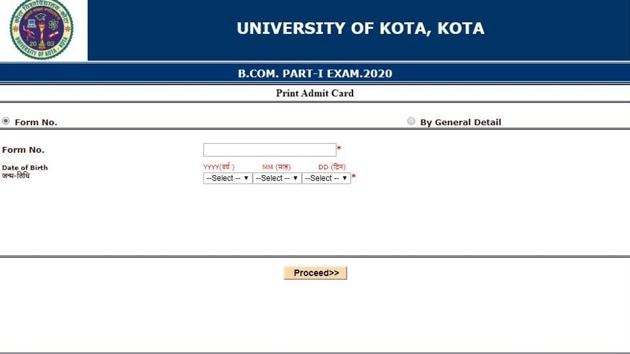
Students are advised to download and bring a copy of the admit cards to their allotted examination centres or else they won’t be allowed to appear in the examination.
Here’s the direct link to download the admit card.
How to download the admit card:
1.Visit the official website
2.On the home page, go to the “Exams and Result” section appearing in the menu
3.A webpage will appear on the display screen
4.Click on the link that reads, “Admit Card Main Exam. - 2019-20’
5.A new page will appear on the display screen
6.Select the course, class and exam form for which you want to download the admit card
7.A new page will appear on the display screen
8.Key in your credentials and login
9.The admit card will appear on the display screen
10.Download the admit card and take its print out for future references.


