
 E-Paper



UP PCS prelims admit card 2018 released at uppsc.up.nic.in
UP PCS prelims admit card 2018 : UPPSC has issued the admit card for provincial civil service (PCS) general/special, ACF (Assistant Conservators of Forests) and RFO (Range Forest Officer) combined preliminary examination 2018.


The Uttar Pradesh Public Service Commission (UPPSC) has issued the admit card for provincial civil service (PCS) general/special, ACF (assistant conservators of forests) and RFO (range forest officer) combined preliminary examination 2018. The examination will be held on October 28 in two shifts: one in the morning from 9:30am to 11:30 m and from 2:30pm to 4:30pm in the afternoon.
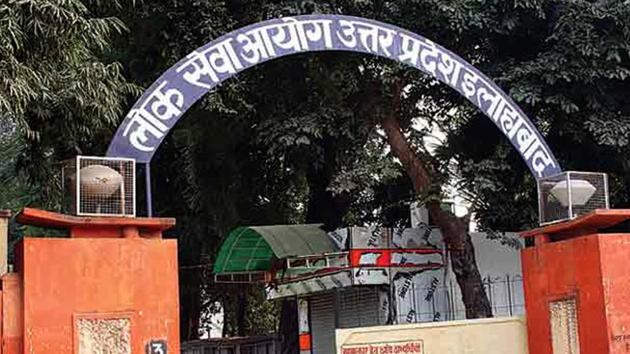
Candidates can download their admit card for UPPSC Provincial Civil Service Exam 2018 by clicking here..
Candidates must bring their admit cards to the examination centre. Those who do not have their photograph visible on the admit card must bring two photographs along with their Id proof to the examination venue.
The commission has proposed to fill 831 vacancies under general recruitment through the examination.
UPPSC will hold a preliminary examination for shortlisting candidates for admission to the main (written) examination. The final selection will be made on the basis of total marks obtained by the candidates in main (written) examination followed by the interview.
Steps to download the admit card UP PCS prelims 2018:
1) Visit the official website of UPPSC
2) Click on the link for admit card download in the important alerts section on the top of the homepage
3) Enter your registration number, date of birth and gender and download the admit card UP PCS (Provincial civil services) prelims:
4) Click on the link for download admit card
5) Take a printout and save the admit card displayed on the screen
Note: Visit UPPSC’s official website regularly for latest updates about the exam.


