
 E-Paper



Tired of your iPhone’s screen dimming and brightening on its own? Here’s an easy fix
Want manual control over your iPhone's display brightness? Here's how you do it in a few simple steps.

 Prefer HTon Google


You may be interested in

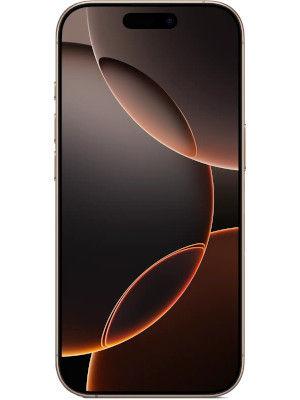



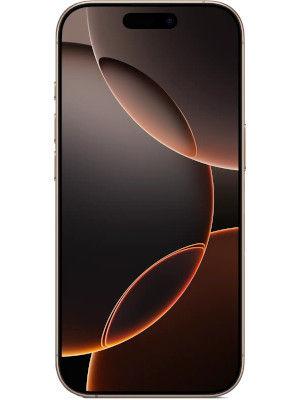

If you have an iPhone, you would know how its screen can automatically dim or get brighter depending on your situation. If you’re near a window, the brightness goes up. If you move away, it goes down. The moment you step outside, you might notice the screen becoming brighter and that’s because your phone senses the amount of light around you.

However, this isn’t always ideal, and sometimes it can even get a bit annoying. Especially when you need your phone to be brighter. So, wondering how to disable all of this and take full manual control? Here’s a quick guide to help you do just that. Read on for the steps.
Also Read: Google has a ‘special’ Android show planned ahead of I/O 2025
Step 1: Disable the Auto-Brightness Setting
First, you will need to head to the Settings app. Then go to Accessibility. Inside Accessibility, scroll down and find Display & Text Size. Here, you’ll see the Auto-Brightness toggle right at the bottom. Turn it off. You will notice a warning saying that turning off Auto-Brightness may affect battery life, energy consumption, and long-term display performance.
Step 2: Know This For Extreme Temperature Situations
You might’ve noticed that if you’re out on a hot summer day and your phone’s under bright sunlight, it can suddenly reduce the screen brightness. This happens because your phone is overheating. When it overheats, it automatically reduces the display brightness to control its temperature and prevent damage.
Apple says that the recommended temperature for using your iPhone or iPad is between 0 degrees and 35 degrees Celsius. If it goes lower or higher than this, Apple brings in changes to regulate the temperature.
They even warn that using the device in very hot conditions can permanently shorten the battery life.
So, if you want to keep using your iPhone at the maximum possible brightness, avoid letting it get too hot. You can do this by not leaving it in direct sunlight, like on your car’s dashboard, and by avoiding heavy tasks like using the camera outdoors for too long.
Bonus Tip: You can also turn off True Tone if you don't want your display to change the colour temperature, depending on your ambient surroundings and light.
MOBILE FINDER: iPhone 16 LATEST Price, Specs And More


