
 E-Paper



How to check income tax refund status online. Read here
Income tax refund (ITR) status can be checked on the National Securities Depository Limited (NSDL) website as well as on the income tax department’s e-filing site.


The income tax department has released refunds worth over ₹1.73 lakh crore to more than 1.57 crore taxpayers for the ongoing fiscal year. “Income tax refunds of ₹57,139 crore have been issued in 1,54,55,577 cases & corporate tax refunds of Rs. 1,15,999 crore have been issued in 2,10,150 cases,” Central Board of Direct Taxes (CBDT) tweeted on Wednesday.
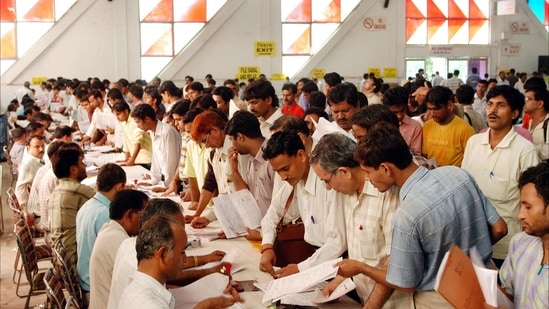
Entering incorrect bank details can delay the processing of income tax refunds (ITRs). Refunds issued are received within 20-45 days from the date of completion of processing of ITR by the Centralized Processing Centre (CPC).
Here's how you can check your ITR refund status:
Income tax refund (ITR) status can be checked on the National Securities Depository Limited (NSDL) website as well as on the income tax department’s e-filing site.
Checking refund status on NSDL website:
- Visit NSDL’s income tax refund site
- Enter your PAN details, Assessment Year and captcha code
- Click on proceed after filling every field
- The income tax refund status will be displayed on the screen.
Checking refund status of income tax department’s e-filing portal:
- Visit the income tax department’s website
- Click on ITR Status under the Quick Links section on the left-hand side of the homepage
- Enter your PAN details and Acknowledgement Number followed by the captcha code.
- Click on the ‘Submit’ button.
- The income tax refund status will be displayed on your computer screen.


