
 E-Paper



Navodaya Vidyalaya admit card for class 9 lateral entry released, here’s how to download
Jawahar Navodaya Vidyalayas (JNVs) has issued the admit card for class 9 lateral entry test for admissions in 2019-20 batch against the vacant seats.


Jawahar Navodaya Vidyalayas (JNVs) has issued the admit card for class 9 lateral entry test for admissions in 2019-20 batch against the vacant seats. The exam will be held on February 2, 2019. Candidates can download their admit cards from its official website navodaya.gov.in.
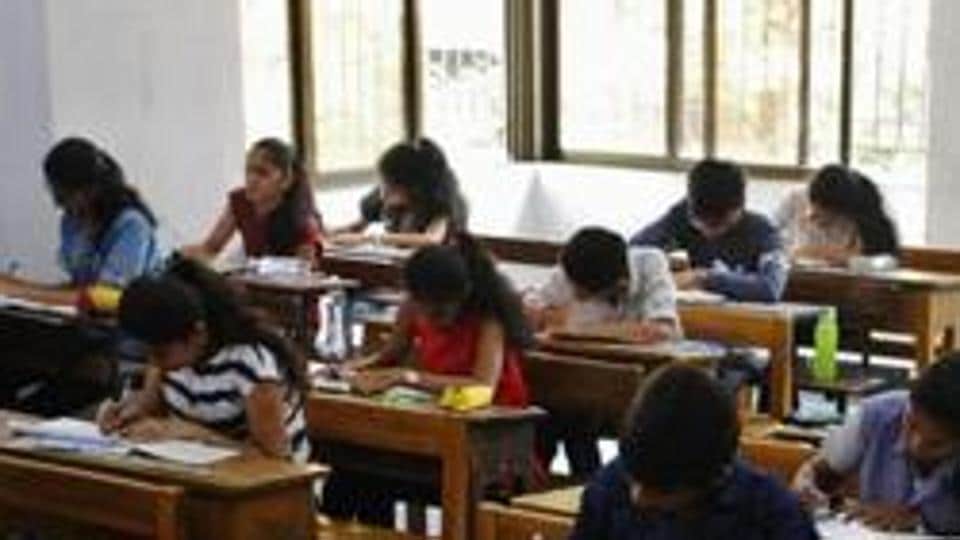
The examination will be of two and half hour duration from 10 am to 12:30 pm. The questions will be in both, English and Hindi language. Students will have to answer in OMR sheet. The subjects include English, Hindi, Maths, Science carrying a total of 100 marks.
Click here for to know about detail syllabus, marking scheme and other information.
How to download Navodaya Vidyalaya Exam admit card for Class 9 lateral entry test
Visit the official website of Navodaya Vidyalaya
Click on the scrolling link on the homepage that reads ‘Download admit card for class 9 lateral entry test’.
A new page will be displayed
Fill in your username and password and submit
Your admit card will be displayed.
Download and take its print out.
Here’s the direct link to download the Navodaya Vidyalaya admit card


