
 E-Paper



UP assembly polls: Here’s how to check for your name in electoral roll ahead of first phase election tomorrow
In the first phase, 58 Assembly constituencies, spread across 11 districts, will go to polls. The 11 districts are Shamli, Muzaffarnagar, Baghpat, Meerut, Ghaziabad, Hapur, Gautam Buddha Nagar, Bulandshahr, Aligarh, Mathura and Agra.

 Prefer HTon Google


The first phase of the seven-phased Assembly elections in Uttar Pradesh will commence on Thursday (February 10) and subsequent phases will be held on February 14, 20, 23 and 27 and March 3 and 10.
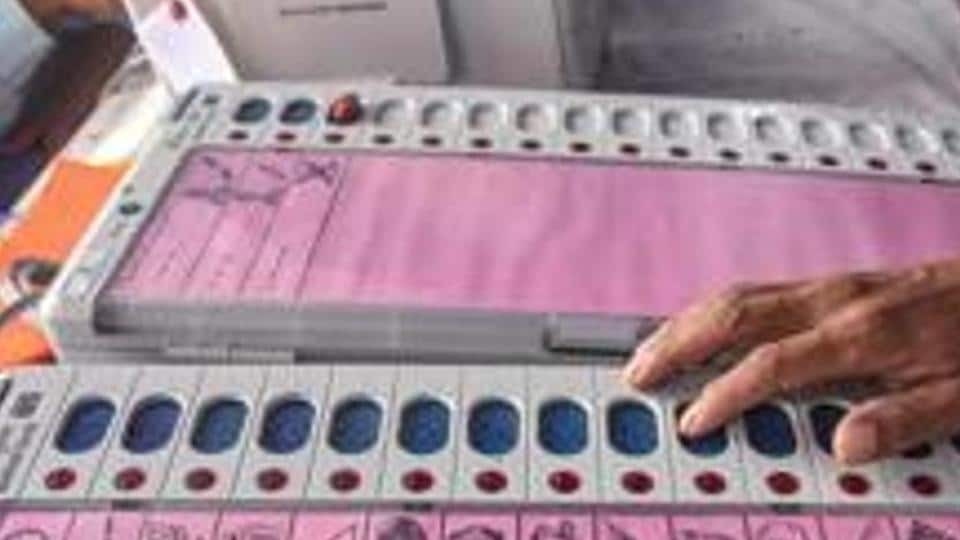
In the first phase, 58 Assembly constituencies, spread across 11 districts, will go to polls. The 11 districts are Shamli, Muzaffarnagar, Baghpat, Meerut, Ghaziabad, Hapur, Gautam Buddha Nagar, Bulandshahr, Aligarh, Mathura and Agra.
Voters can check if their names are present in the electoral roll in two ways. Here is how voters can check for their names in the official voters list.
Voters can visit the website of the state’s chief electoral officer at http://ceouttarpradesh.nic.in and upon scrolling down, options to download the electoral roll, “Know Your Application Status”, “Know Your Booth and Booth Level Officer” and several other options are available.
Click on the search your name in the electoral roll option and a new webpage will be opened. The webpage will contain two options by which users can download their voter information.
Using the first option, voters can enter their names, date of birth, father’s or husband’s name and type the captcha code to search for their names in the electoral roll.
Additional options to filter results include, state, district, assembly constituency and gender. Upon searching, voters can click on the “View Details” option near their names from the search results and after confirming their details, can click on the “Print Voter Information” option to download a PDF of their voter information.
The second method involves using the Electors Photo Identity Card (EPIC) number. This number will be present in the voter ID card. Enter the EPIC number, select the state and enter the captcha code and click on the “Search” option to fetch the user details.
Voters can also visit the official website of the Election Commission of India (ECI) (https://eci.gov.in/) and scroll down to find the “Search Name in Voter List” option immediately after the “Current Issues” section. This option leads the users again to a new page wherein voters can search for their details using personal information or their EPIC numbers.


